무료 웹사이트 위젯
코딩 한 줄 없이 웹사이트를 쉽게 향상시키세요. 간단한 노코드 빌더를 사용해 몇 초 만에 강력한 위젯을 추가하여 참여를 높이고, 리드를 확보하며, 신뢰를 구축하세요.
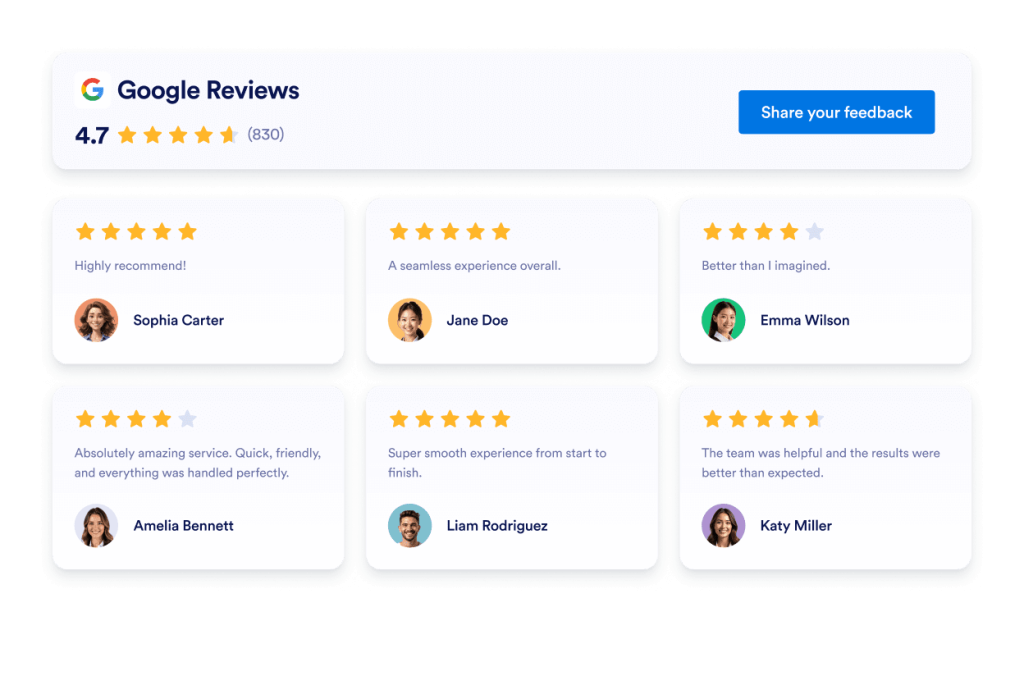
Google 리뷰
몇 초 만에 웹사이트에 Google 리뷰 위젯을 추가하세요. 고객 피드백을 보여주고 신뢰를 쌓으며 전환율을 높이세요 — 코딩은 필요하지 않습니다.
카테고리로 이동:위젯 리뷰위젯 사용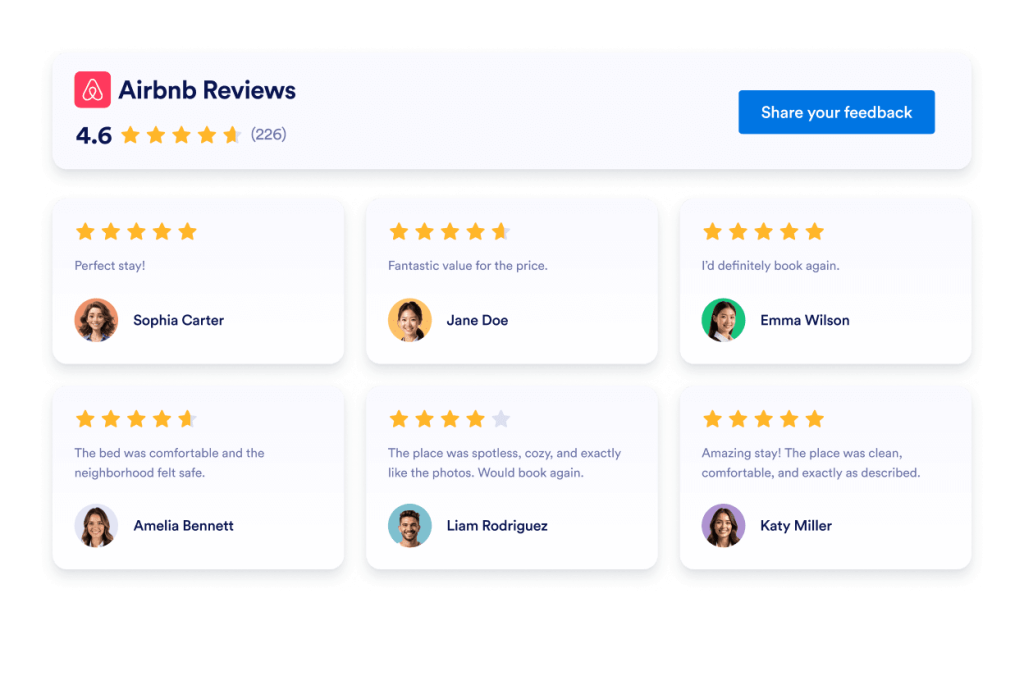
Airbnb 리뷰
Airbnb 리뷰 위젯은 실제 게스트 피드백을 깔끔한 레이아웃으로 보여줍니다. Jform의 노코드 도구를 사용하면 자동으로 동기화하고, 자유롭게 맞춤 설정하며, 어디서나 임베드할 수 있습니다.
카테고리로 이동:위젯 리뷰위젯 사용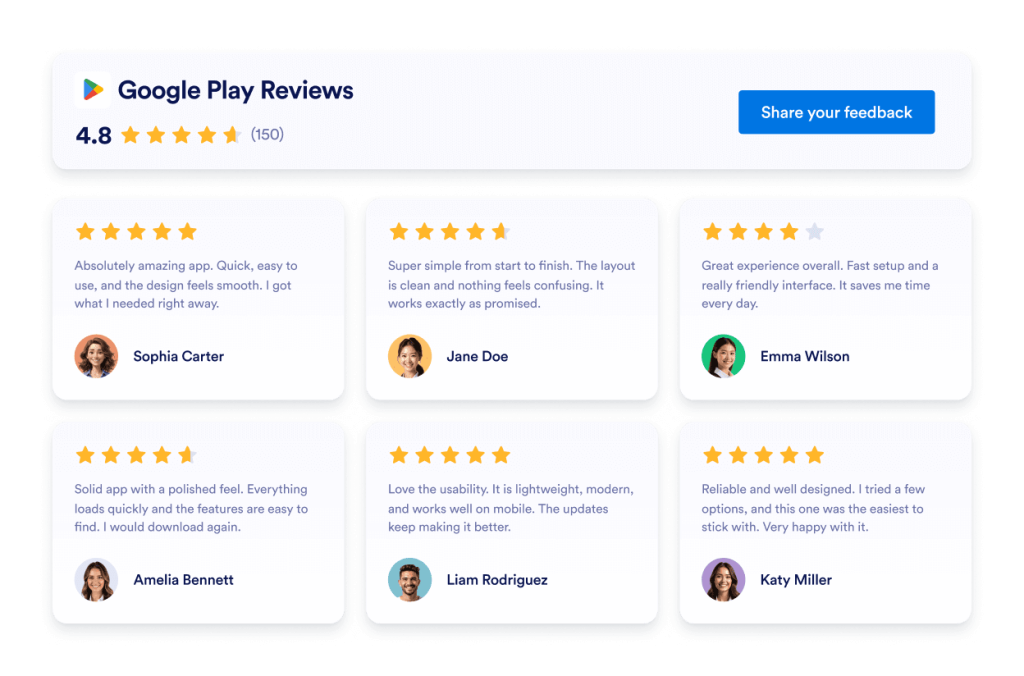
Google Play 리뷰
Google Play Reviews 위젯은 실제 사용자 평점과 리뷰를 반응형 레이아웃으로 보여줍니다. Jform을 사용하면 코딩 없이 자동으로 동기화하고, 자유롭게 맞춤 설정하며, 어디서나 임베드할 수 있습니다.
카테고리로 이동:위젯 리뷰위젯 사용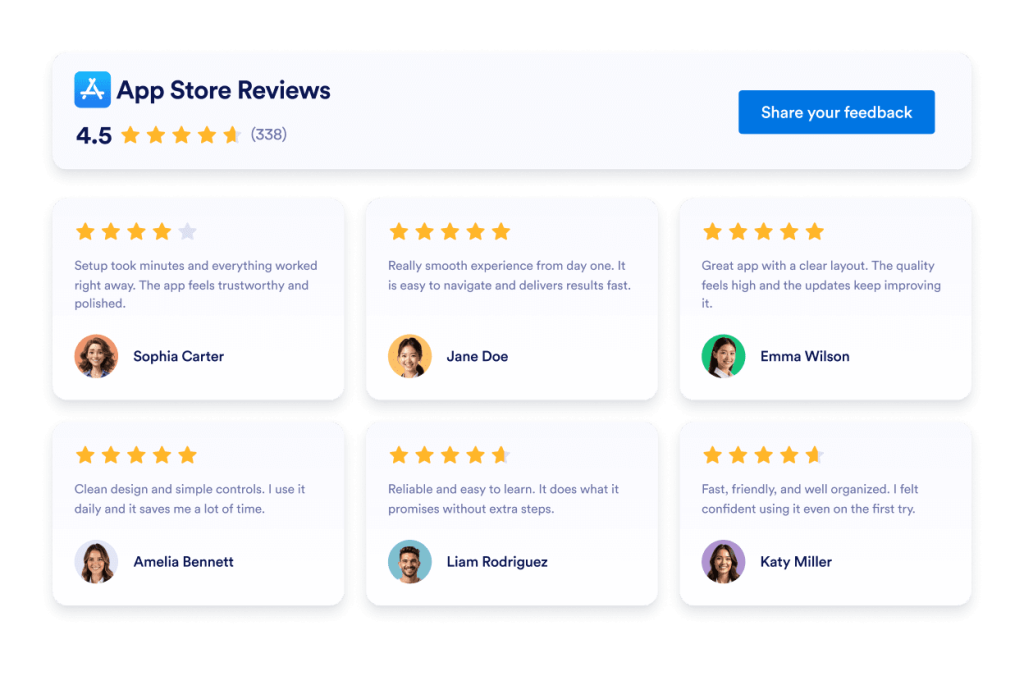
App Store 리뷰
App Store 리뷰 위젯은 실제 iOS 사용자 평점을 깔끔한 레이아웃으로 보여줍니다. Jform의 노코드 도구를 사용하면 자동 동기화, 맞춤 설정, 어디서나 임베드까지 모두 손쉽게 할 수 있습니다.
카테고리로 이동:위젯 리뷰위젯 사용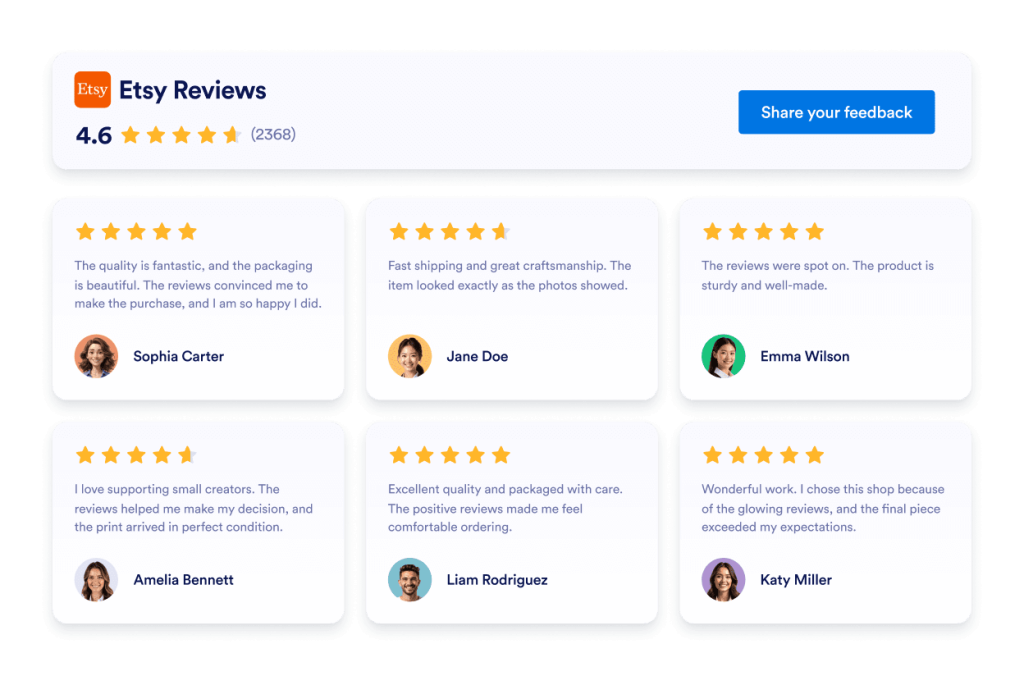
Etsy 리뷰
Etsy 리뷰 위젯은 실제 구매자 평점을 깔끔한 레이아웃으로 보여줍니다. Jform의 노코드 도구를 사용하면 자동 동기화하고, 자유롭게 맞춤 설정하며, 어디서나 임베드할 수 있습니다.
카테고리로 이동:위젯 리뷰위젯 사용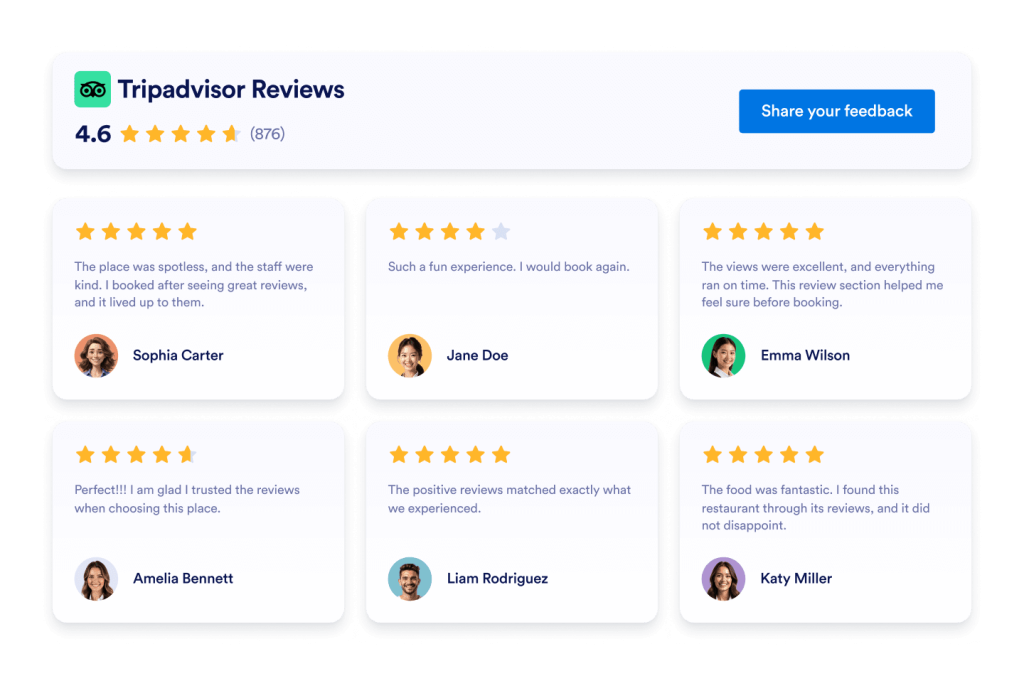
Tripadvisor 리뷰
Tripadvisor 리뷰 위젯은 실제 여행자 평점을 깔끔한 레이아웃으로 보여줍니다. Jform의 노코드 도구를 사용하면 자동 동기화하고, 자유롭게 맞춤 설정하며, 어디서나 임베드할 수 있습니다.
카테고리로 이동:위젯 리뷰위젯 사용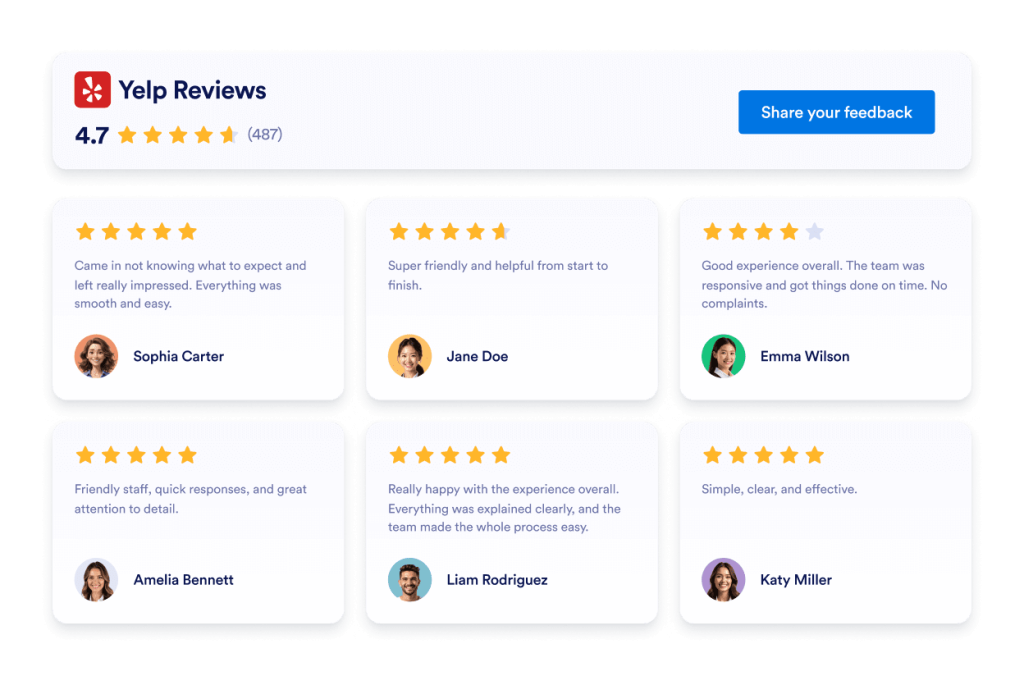
Yelp 리뷰
Yelp 리뷰 위젯은 실제 고객 평점을 반응형 레이아웃으로 보여줍니다. Jform의 노코드 도구를 사용하면 자동으로 동기화하고, 자유롭게 맞춤 설정하며, 어디서나 임베드할 수 있습니다.
카테고리로 이동:위젯 리뷰위젯 사용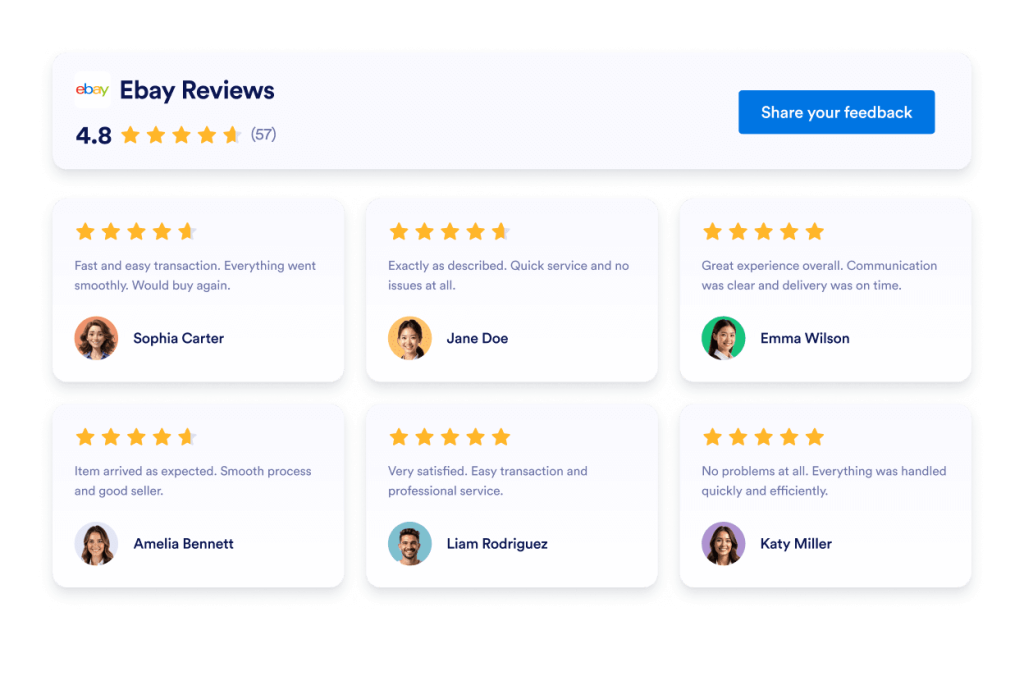
Ebay 리뷰
eBay 리뷰 위젯으로 신뢰도를 높이세요. 실시간 구매자 피드백, 평점, 자동 업데이트 리뷰를 표시하세요. Jform의 무료 노코드 삽입으로 몇 초 만에 설정하세요. 지금 시작하세요.
카테고리로 이동:위젯 리뷰위젯 사용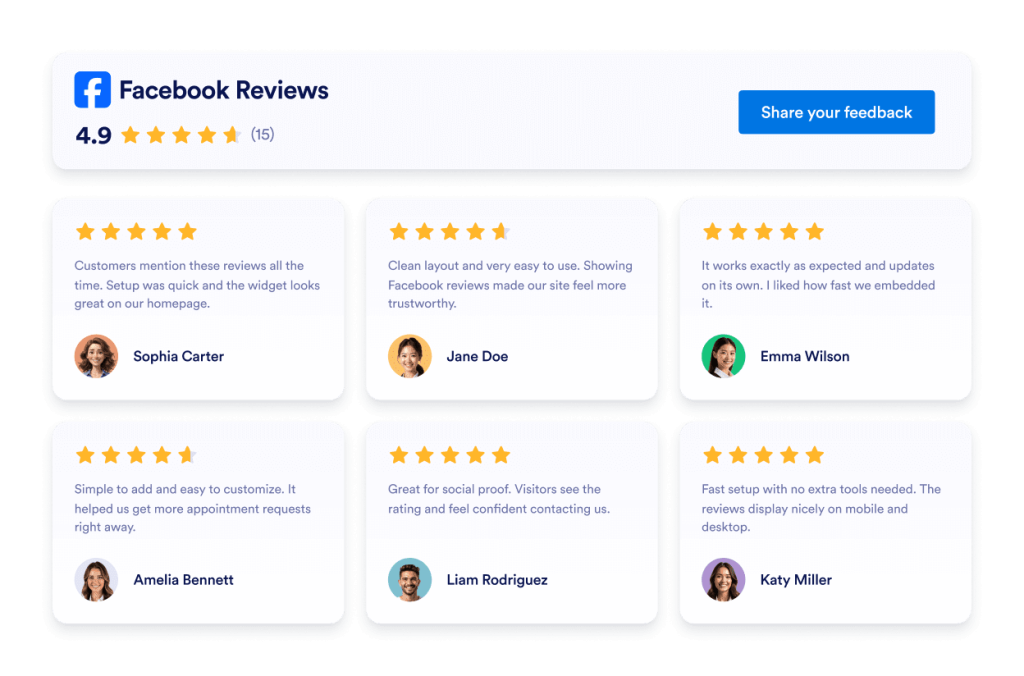
Facebook 리뷰
Facebook Reviews 위젯은 실제 고객 평점을 깔끔한 레이아웃으로 보여줍니다. Jform의 노코드 도구를 사용하면 자동 동기화하고, 자유롭게 맞춤 설정하며, 어디서나 임베드할 수 있습니다.
카테고리로 이동:위젯 리뷰위젯 사용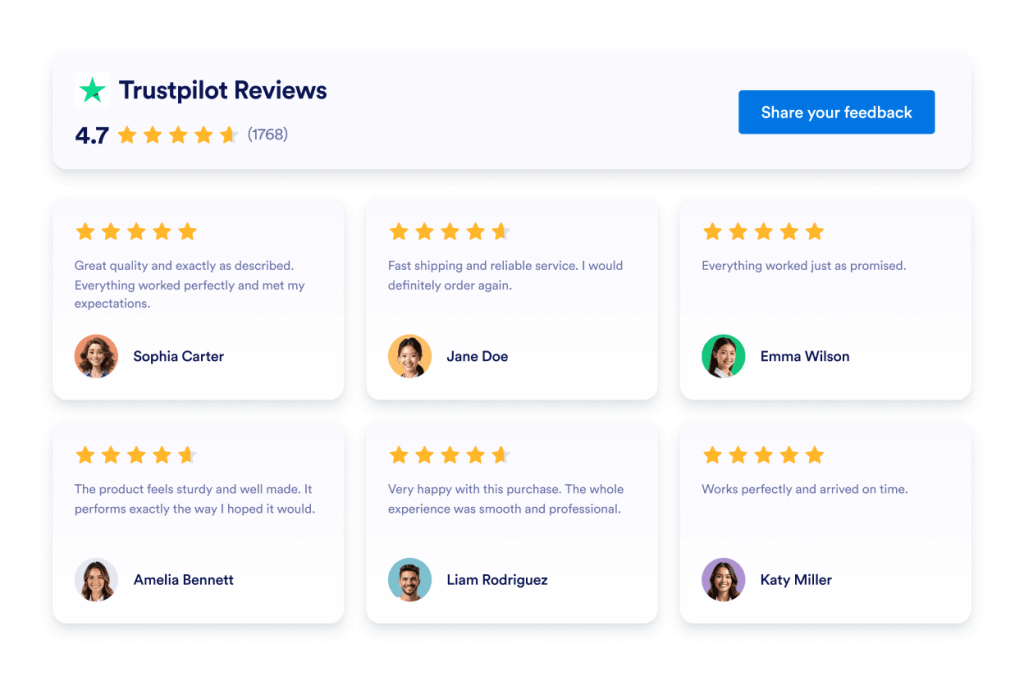
Trustpilot Reviews
Trustpilot 리뷰 위젯은 실제 고객 피드백을 깔끔한 레이아웃으로 보여줍니다. Jform의 코드 없는 도구를 사용하면 Trustpilot 리뷰를 자동 동기화하고, 맞춤 설정하며, 어디든 삽입해 신뢰를 구축하고 전환율을 높일 수 있습니다.
카테고리로 이동:Jform 위젯위젯 사용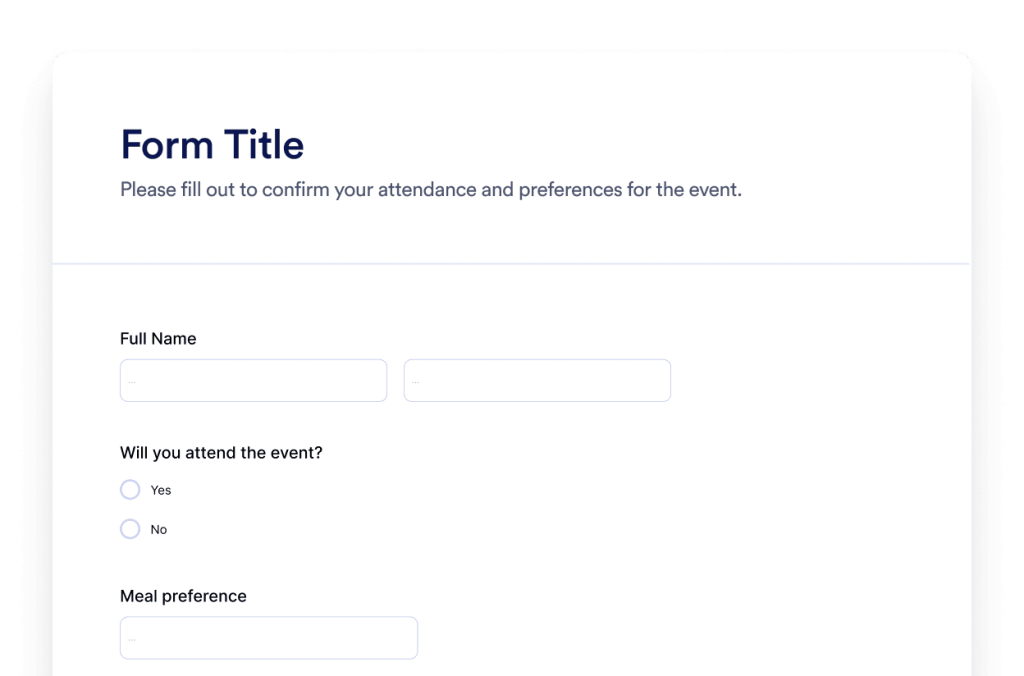
양식
Jform AI 양식 생성기로 맞춤형 양식을 만들어 보세요. 코딩도, 템플릿도, 번거로움도 필요 없습니다. 어떤 양식을 만들고 싶은지만 AI 챗봇에 알려 주세요.
카테고리로 이동:Jform 위젯위젯 사용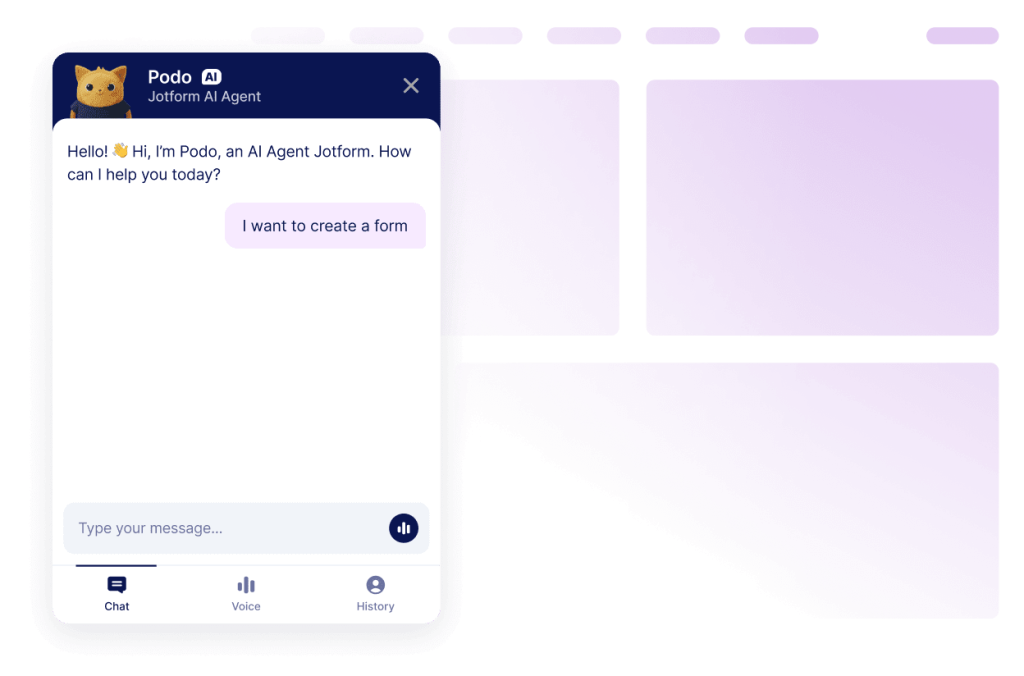
챗봇
Jform AI 챗봇 빌더로 웹사이트를 인터랙티브한 경험으로 바꾸세요. 사용자에게 브랜드에 어울리는 실시간 응답과 매끄러운 양식 작성 도움을 제공할 수 있습니다.
카테고리로 이동:Jform 위젯위젯 사용왜 Jform 웹사이트 위젯을 선택해야 할까요?
함께 성장할 수 있도록 설계
하나의 위젯으로 시작해 간단하게 유지할 수 있습니다. 준비가 되면 동일한 Jform 계정에서 새 페이지, 캠페인 또는 목표를 위한 위젯을 추가하세요. 다른 도구로 이동하거나 처음부터 다시 시작할 필요가 없습니다.
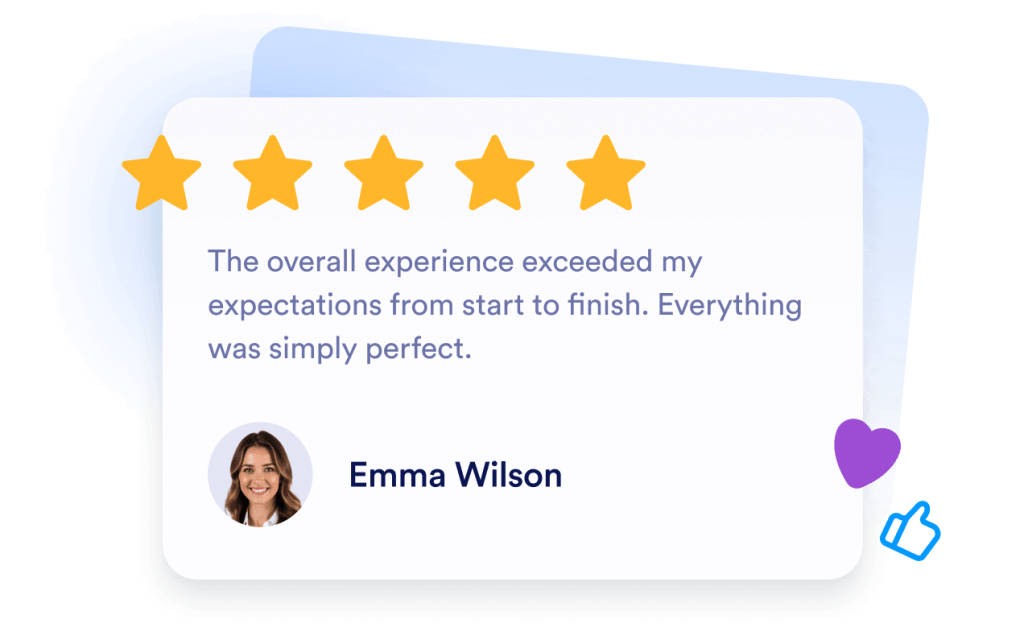
쉬운 설정 및 맞춤화
모든 위젯은 Jform의 친숙한 노코드 편집기로 구성되어 있어 레이아웃과 스타일을 간단하고 직관적으로 맞춤 설정할 수 있습니다. 개발자나 기술 지원 없이도 색상, 간격, 디자인 세부 사항을 직접 조정할 수 있습니다.

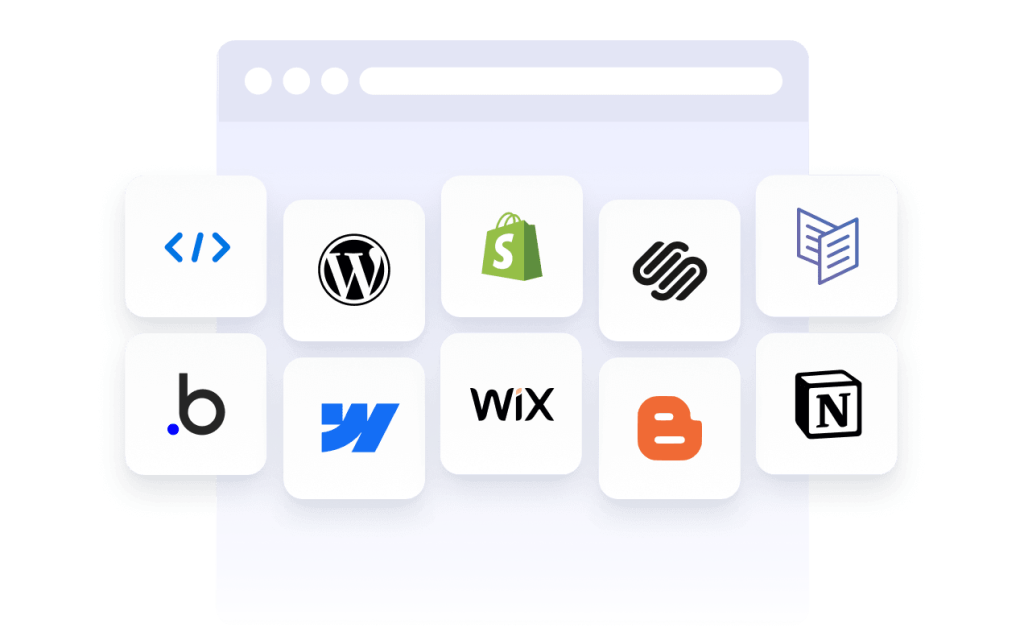
Works on most websites and platforms
Embed Jform widgets on many website platforms and custom sites using standard embed options. Keep the same widget working across different pages and environments.
Jform 양식 빌더로 리드를 유료 고객으로 전환하세요
Jform으로 참여를 행동으로 전환하세요. 리드를 확보하고 결제를 수집하며 응답을 자동화하는 강력한 양식을 한 곳에서 만들어 보세요. 모든 제출물은 Jform 받은 편지함으로 모여, 후속 조치를 하거나 즐겨 사용하는 앱과 연동할 준비를 마치게 됩니다.
시작하기 — 무료입니다!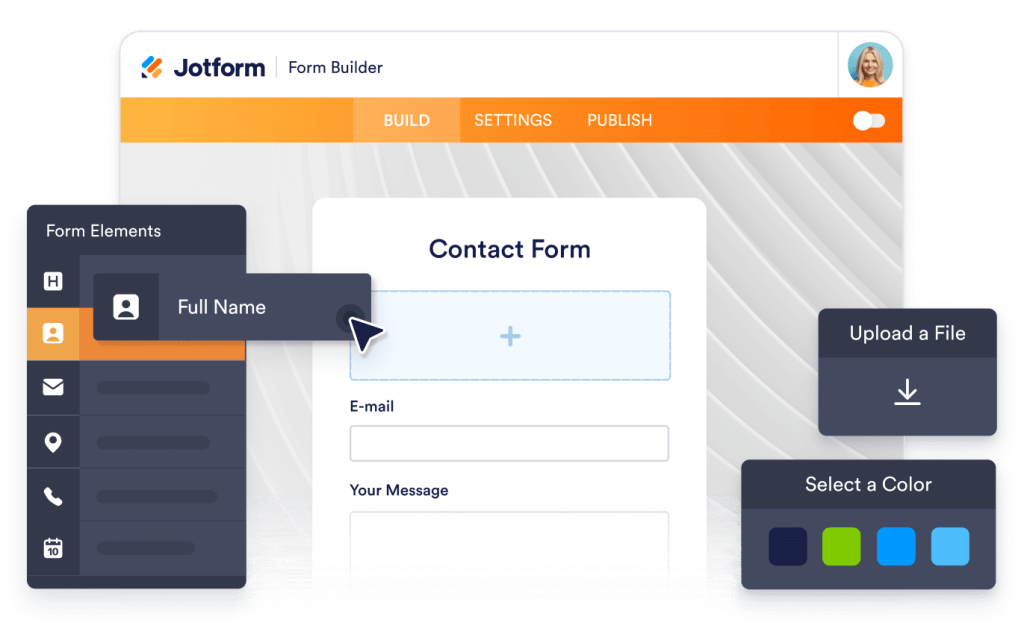
Why use widgets?
Website widgets help you improve your site without building every feature from scratch. They can support business goals like trust, lead generation, and customer support.
Build credibility with reviews and testimonials
Improve conversions with clear calls to action
Keep visitors on your site longer by reducing friction
수백만 명이 신뢰
Jform은 전 세계의 소규모 팀부터 대규모 조직까지 다양한 비즈니스에서 사용되고 있습니다.


Understanding website widgets
아래 섹션에서는 설문조사의 작동 원리, 활용 시기, 설문조사 응답을 가치 있는 인사이트로 전환하는 방법에 대해 더 자세히 설명합니다. 이 정보는 기본 사항을 넘어 더 깊이 이해하고자 하는 독자를 위한 것입니다.
What are website widgets?
A website widget is a small feature you can add to a webpage using embed code. Widgets are often used to display content or enable actions like showing reviews, collecting leads, taking payments, booking appointments, or answering questions.
How widgets fit into a website
This section explains what website widgets are, how they work within a webpage, and how they can be used effectively as your widget library grows. Website widgets are usually embedded using a short code snippet and load within a defined area of a webpage. They can be placed alongside existing content and updated without changing the page structure.
Common types of website widgets
Widgets can be placed alongside existing content and updated without changing the page structure. This makes them useful for adding features without rebuilding or redesigning a website. Website widgets come in many forms, depending on the goal they support. Common types include:
Review widgets to display customer feedback from third-party platforms
- Form widgets for contact forms, lead capture, and registrations
- Scheduling widgets for booking meetings or appointments
- Payment widgets for collecting one-time or recurring payments
- Chat and messaging widgets for customer support and inquiries
- Feedback and survey widgets to collect opinions and responses
This page currently focuses on review widgets. Additional widget types can be added over time as the widget library expands.
How website widgets affect SEO
Website widgets can support SEO when used intentionally and aligned with the page's purpose. Widgets that improve usability, engagement, and task completion can help visitors spend more time on a page and interact with content more effectively.
To avoid SEO issues:
- Place widgets on pages where they add clear value
- Use descriptive headings and supporting text around the widget
- Avoid adding too many widgets to a single page
- Ensure widgets load efficiently and do not block content
Widgets work best when they complement content rather than replace it.
Website platforms that support widgets
Most website widgets can be embedded on a wide range of platforms using standard embed code. This typically includes content management systems, website builders, and custom-built sites.
Common platforms that support embedded widgets include WordPress, Webflow, Wix, Shopify, Squarespace, and static HTML sites. The exact placement method depends on the platform, but widgets are usually added through a code block, a custom HTML section, or a page editor.
Website widgets vs plugins and extensions
Website widgets are generally platform-agnostic and can be embedded on many types of websites using code. Plugins or extensions are usually built for a specific platform and must be installed and maintained within that system.
Widgets offer more flexibility when you manage multiple sites or use different platforms, since the same widget can often be reused across environments.
Choosing widgets based on your goal
Choosing the right widget depends on what you want visitors to do on your site. If your goal is to build trust, review widgets can highlight customer feedback. If you want to collect information, form widgets may be more appropriate. For bookings or transactions, scheduling or payment widgets are a better fit.
Start with the widget that supports your primary goal, then expand as your site grows and needs change.
Managing and updating embedded widgets
Most website widgets can be updated after they are embedded. Changes to design, content, or settings are usually reflected automatically on any page where the widget is used, without requiring changes to the website code.
This makes widgets useful for campaigns, seasonal updates, and ongoing optimization.